School Payroll Software India — Managing Teacher Salaries, Leaves and Compliance
It's the 28th in Jaipur, and Rajesh still hasn't closed payroll for his 60-member school staff. Leave categories, DA arrears, visiting faculty session payouts, and PF calculations are all due on the same salary-day deadline, but he's stitching everything together in Excel at 9:30 PM. That month-end squeeze is exactly why schools start looking for school payroll software India.
When these variables are managed manually, one small input error can delay salary credit, trigger compliance risk, and create avoidable staff disputes.
Why School Payroll Is More Complex Than Corporate Payroll
Corporate payroll software handles fixed monthly salaries with standard deductions. School payroll has layers that most generic HR tools don't account for:
1. Visiting Faculty Paid Per Session — Not Monthly Salary
Many schools employ visiting teachers for music, dance, art, sports, or spoken English. These teachers are paid per session or per hour — not a fixed monthly salary. Their payout varies every month based on how many sessions they conducted. Tracking this manually means the accounts head is reconciling timetable records against attendance registers every month.
2. Leave Management Tied to Salary
In schools, leave isn't just an attendance record — it directly impacts salary. Loss of Pay (LWP) deductions differ from casual leave. Earned leave encashment has financial implications at year-end. Medical leave may require documentation. Summer vacation and winter breaks are treated differently for permanent staff vs contractual staff. Each leave type has a different salary impact, and calculating it manually is where most errors occur.
3. PF and ESI Compliance
Schools with 20+ employees are typically required to register for PF (Provident Fund). ESI (Employee State Insurance) applies if staff salaries are below the threshold. Calculating employer and employee contributions correctly — and depositing them on time — is a legal obligation. Schools report that manual PF calculation is the single most error-prone task in their monthly payroll cycle.
4. Salary Slips — A Legal Requirement Many Schools Ignore
Schools are legally required to issue salary slips to all employees. Yet many schools — particularly smaller ones — don't generate salary slips at all. Staff receive bank transfers without documentation of deductions, allowances, or PF contributions. This creates problems during loan applications, tax filing, and employment disputes.
5. Two-Tier Staff Structure
Teaching and non-teaching staff typically follow different pay scales, different leave rules, and different allowance structures. Peons, drivers, lab assistants, and security guards have different salary components than teachers and HoDs. Running both on the same Excel sheet leads to formula errors and confusion.
What Manual Payroll Costs Schools Every Month
The operational cost of manual payroll goes beyond the accounts head's overtime:
- Salary sheet preparation: 6–10 hours per month for a school with 50–80 staff (teaching + non-teaching combined)
- PF/ESI calculation and verification: 3–4 hours, often requiring rechecking with a calculator
- Leave reconciliation: 2–3 hours — matching leave applications, attendance records, and salary impact
- Staff queries after salary credit: 4–6 hours per month answering "Why was ₹1,200 less this month?" questions from staff who don't receive salary slips
- Error correction and reprocessing: Schools report 3–5% of staff payroll entries require correction each month — wrong deduction, missed arrears, or incorrect leave type applied
The total: 15–25 hours monthly, plus the intangible cost of staff trust erosion when salaries are delayed or inaccurate. A school accountant who makes a ₹500 error in a teacher's salary hears about it every day until it's corrected.
What School Payroll Software Should Do
Here are eight capabilities that separate school-specific payroll software from generic HR tools:
- Separate Salary Structures for Teaching and Non-Teaching Staff — Define different pay scales, allowance structures, and deduction rules for different staff categories without maintaining separate spreadsheets.
- Per-Session/Per-Hour Calculation for Visiting Faculty — Link session records to payroll automatically. The system counts sessions conducted and calculates payout based on the per-session rate.
- Leave Management with Automatic Salary Impact — When a teacher applies for leave and it's approved, the salary impact is calculated automatically. LWP deductions, earned leave balances, and casual leave tracking — all linked to payroll.
- PF, ESI, and TDS Calculation — Employer and employee contributions calculated automatically based on current rates. Compliance reports generated for filing. The system flags staff whose salary changes push them above or below ESI thresholds.
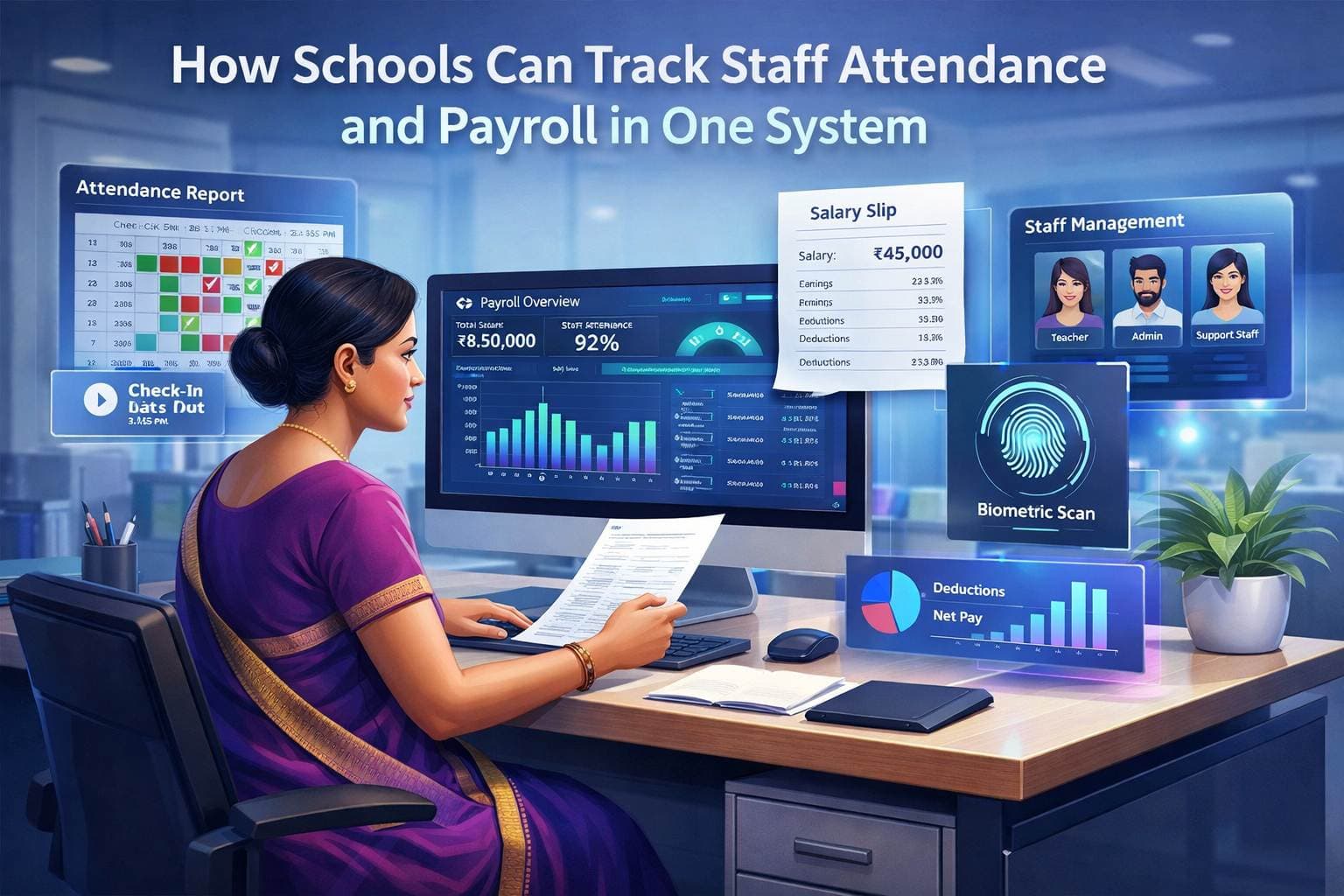
- Bulk Salary Slip Generation — Generate salary slips for all staff in one click. Distribute digitally via email or WhatsApp. Each slip shows gross salary, deductions, PF contribution, net pay, and leave balance.
- Salary Revision Handling — When DA increase or pay revision is announced with a retroactive effective date, the system calculates arrears automatically and adds them to the next month's salary.
- Staff Attendance Integration — Attendance records feed directly into payroll. No manual reconciliation between the attendance register and the salary sheet. Integrates with the attendance management system for real-time accuracy.
- Payroll Reports for Trustee Review — Department-wise salary expense, month-over-month comparison, PF/ESI liability summary, and staff cost analysis. Trustees get the reports they need without the accounts head spending a day creating them manually.
PF and ESI Compliance — What Schools Need to Know
Disclaimer: This section provides general guidance. Consult a qualified Chartered Accountant for your school's specific compliance obligations.
Which schools need PF registration? Generally, establishments with 20 or more employees are required to register under the Employees' Provident Fund Act. This includes teaching and non-teaching staff. Many schools operate above this threshold without realising their PF obligations.
ESI applicability: The Employee State Insurance Act applies to establishments with 10+ employees and covers employees earning up to ₹21,000 per month (as of current thresholds). Schools often overlook ESI for non-teaching staff who fall within this salary range.
Common compliance mistakes schools make:
- Not registering for PF despite having 20+ staff — this exposes the school to penalties and back-contribution demands
- Calculating PF on basic salary only, when it should include basic + DA in most cases
- Not filing monthly PF returns on time — late filing attracts interest and penalties
- Treating visiting faculty as "not employees" without proper contractual documentation
- Not issuing Form 16 to staff for income tax purposes
How software reduces compliance risk: School payroll software calculates contributions automatically based on current rates, generates compliance reports in the format required for filing, and flags staff changes (new joiners, salary revisions, exits) that affect PF/ESI calculations. It doesn't eliminate the need for a CA — but it ensures the data your CA works with is accurate.
How Campus 24x7 Handles School Payroll
Most schools don't struggle with payroll because staff strength is high; they struggle because payroll rules differ by staff category. Campus 24x7's payroll management system is structured to handle those school-specific differences without pushing the accounts team back to spreadsheets:
- Multi-Structure Payroll: Define separate salary structures for permanent teaching staff, non-teaching staff, visiting faculty (per-session), and contractual employees — all within the same system.
- Integrated Leave and Payroll: Leave management feeds directly into salary calculation. When a teacher's casual leave is approved, or when LWP is applied, the salary impact is automatic.
- PF/ESI Calculation Engine: Employer and employee contributions calculated based on current rates. The system generates PF ECR (Electronic Challan cum Return) and ESI contribution reports for filing.
- Digital Salary Slips: Bulk-generate salary slips and deliver them to staff via email or WhatsApp. Each slip includes full breakdown — basic, DA, HRA, deductions, PF, ESI, TDS, and net pay.
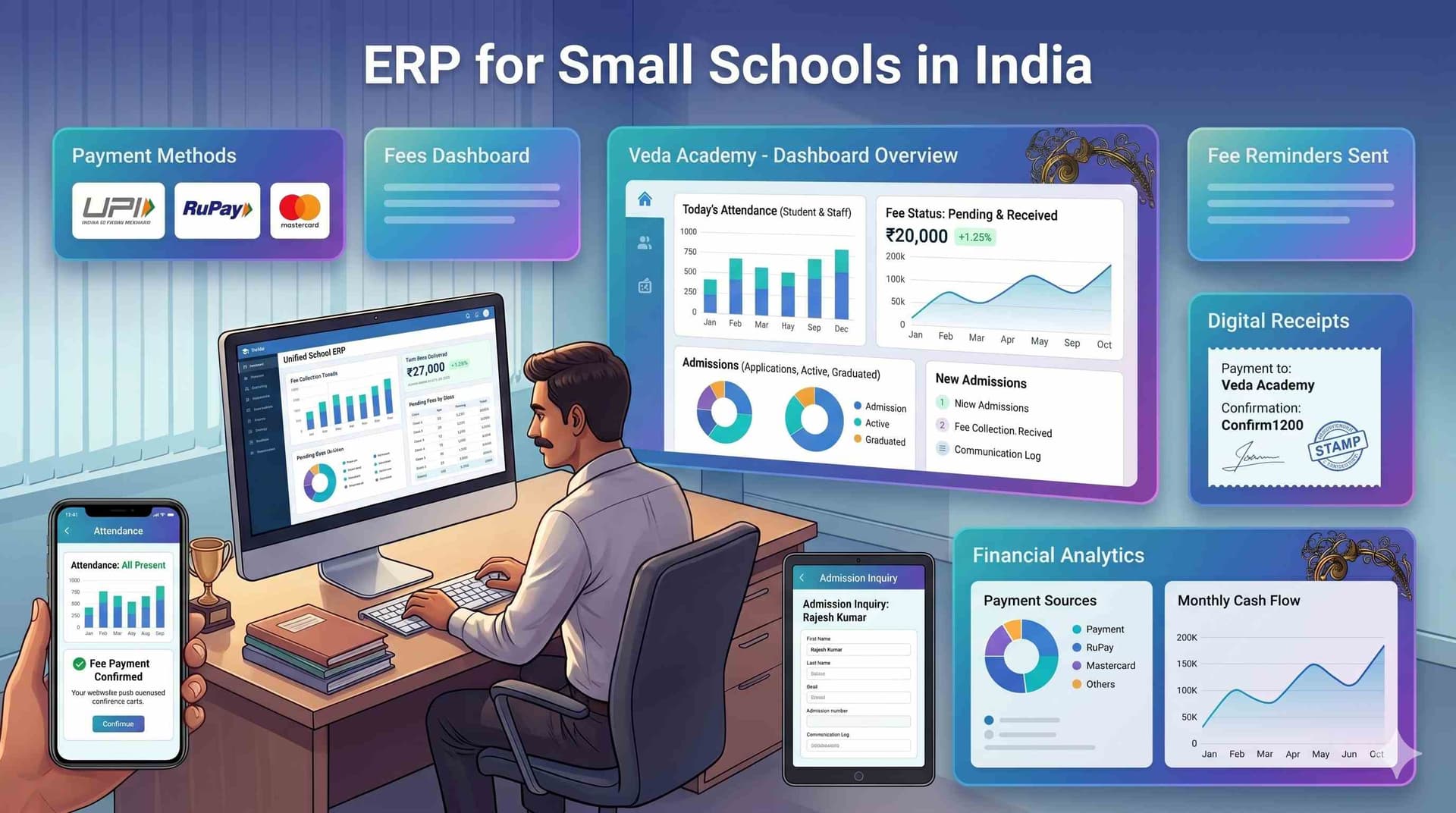
Campus 24x7's payroll module works alongside the school ERP software in India platform, connecting staff attendance, leave management, and salary processing in a single system. The fee management system also links to payroll — school administrators can see staff salary expense alongside fee collection in unified financial reports.
Frequently Asked Questions
What should school payroll software in India handle beyond basic salary slips?
School payroll software India teams evaluate must cover more than printing payslips. Indian schools pay permanent teachers monthly, visiting faculty per session, and non-teaching staff on different leave rules — all while calculating PF (12% employee + 12% employer), ESI, TDS, and DA revisions. The software should link attendance and approved leave directly to gross salary, generate ECR files for PF filing, and deliver digital slips via WhatsApp. Without this, the accounts head still reconciles three spreadsheets every month-end in Hyderabad or Lucknow.
How does teacher salary management software calculate LWP and casual leave for Indian schools?
Teacher salary management software applies leave rules at approval time — not during manual salary entry. When a Jaipur school teacher takes casual leave within quota, salary stays unchanged. Loss of Pay (LWP) deducts proportionally from gross based on calendar days. Earned leave encashment adds to the final payout automatically. The accounts team should never cross-check a leave register against salary sheets; the integration handles it when the principal approves leave in the system.
Can school staff payroll systems manage visiting faculty paid per session in India?
Yes — and this is where generic HR software fails Indian schools. A school staff payroll system must track session counts from the timetable or manual entry, apply per-lecture rates (e.g. ₹800 per period), and add visiting payouts to the monthly batch alongside permanent staff. Delhi and Pune schools with 15–20 visiting teachers often lose money on overpayment or face disputes without session-level logs. Campus 24x7 links timetable records to payroll so payout matches verified sessions.
Does school payroll software in India generate PF and ESI filings automatically?
Compliant platforms calculate employer and employee PF contributions on updated gross, apply ESI thresholds correctly, and export ECR-ready reports for the EPFO portal. When DA or basic salary changes mid-year in a Kerala or Gujarat school, contributions recalculate automatically — not via manual formula edits in Excel. Campus 24x7 generates PF and ESI summary reports monthly, reducing the compliance risk that comes from last-minute challan preparation on the 15th of every month.