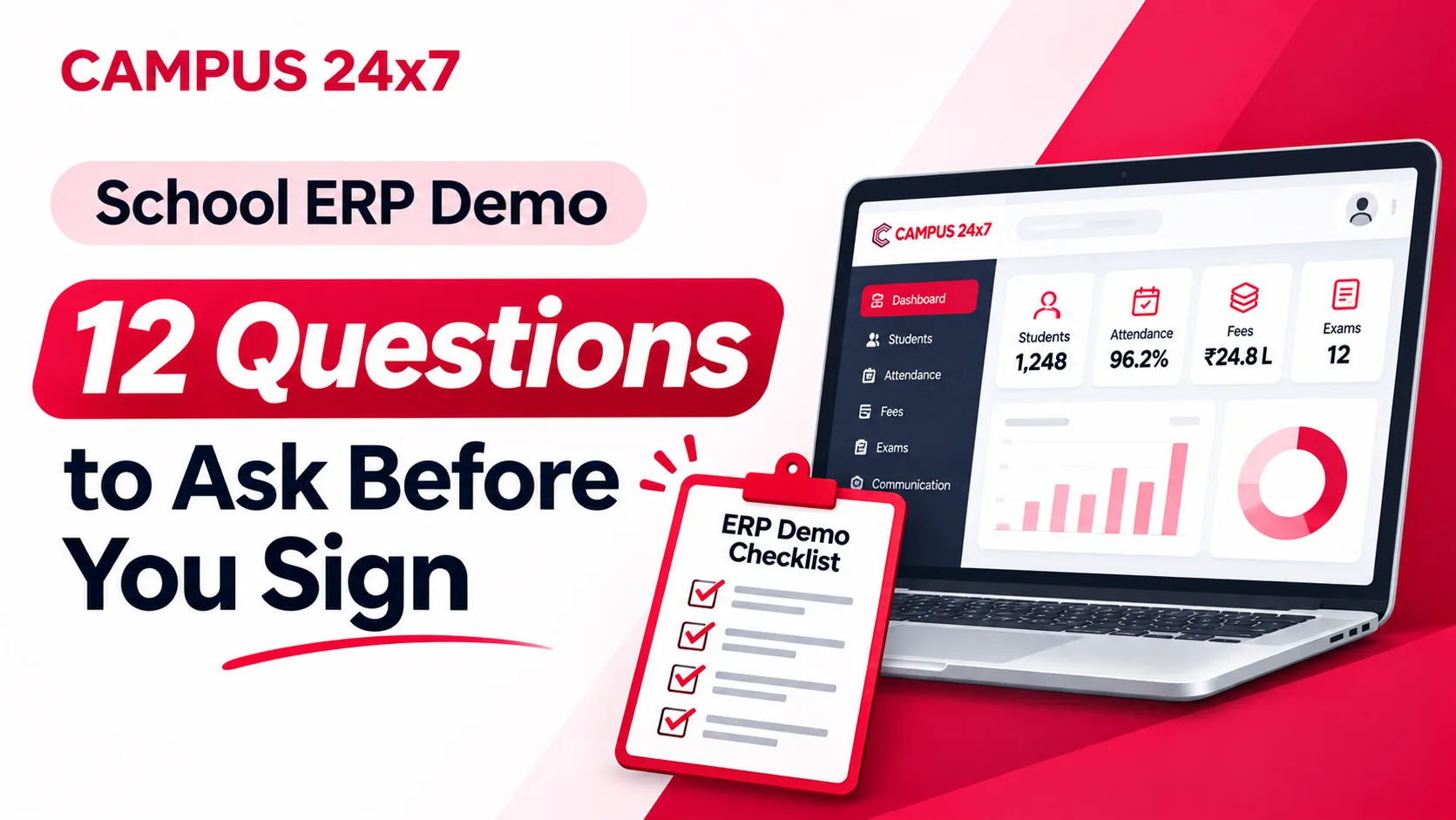
School ERP Demo: 12 Questions to Ask Before You Sign
A school ERP demo is a performance. That is not an accusation — it is simply what it is. The person presenting has given this demo two hundred times, on a database built to make every screen look good, following a path that routes carefully around whatever the product does badly.
None of that makes the vendor dishonest. It makes the demo an unreliable instrument for the decision you are about to make, which is a three-to-five-year commitment affecting every teacher, every parent and every rupee of fee collection in your school.
The fix is not to be adversarial. It is to take control of the agenda. A good demo is one where you decide what gets shown, and where the answer to most questions is the vendor sharing their screen rather than describing something in words.
These are the twelve questions worth asking, roughly in the order they should come up, with what a good answer actually sounds like.
Before the Demo: Two Things to Send Ahead
Send the vendor two files a few days before the call: your fee structure (all heads, all classes, including the awkward ones) and one class's student list with names and parent mobile numbers scrubbed or dummied if you prefer.
Then ask them to load it before you meet.
This single step does more than the twelve questions combined. A vendor who arrives with your fee structure already configured has told you something real about both the product and the team. A vendor who says "we'll use our standard demo data for today" has also told you something — and you should note it rather than let it pass.
The Twelve Questions
1. "Can you show me that on our fee structure, not the demo one?"
Ask this the moment fees come up, and keep asking it. Indian school fee structures are where generic products quietly fall apart: concessions for staff children and siblings, quarterly cycles that are not quarters, transport charged by distance slab, a late fine that is a flat amount for ten days and then a percentage, one-time annual heads sitting alongside monthly tuition, and the student who joined in August and owes a prorated amount.
Pick your two most awkward cases and ask to see them configured live.
A good answer: they configure it on the call, or show you a school with a similar structure already running. A bad answer: "that can be customised" — which, unqualified, often means development work, after you sign. If you hear it, ask the follow-up in question 10.
2. "Can a class teacher mark attendance on a phone, in under a minute?"
Hand this one over. Ask the vendor to stop sharing and let your teacher do it, on their own phone, on their own network.
Attendance is the feature that decides whether an ERP succeeds, because it is the only one used by every teacher every single day. If it takes ninety seconds and six taps, teachers will batch it to the end of the day, then to the end of the week, and your attendance data becomes fiction — which then makes your absence alerts, your CBSE 75% tracking and your reports all worthless.
Watch for: how many taps to mark one class present-by-exception, what happens on a weak connection, and whether the teacher can correct a mistake without an admin.
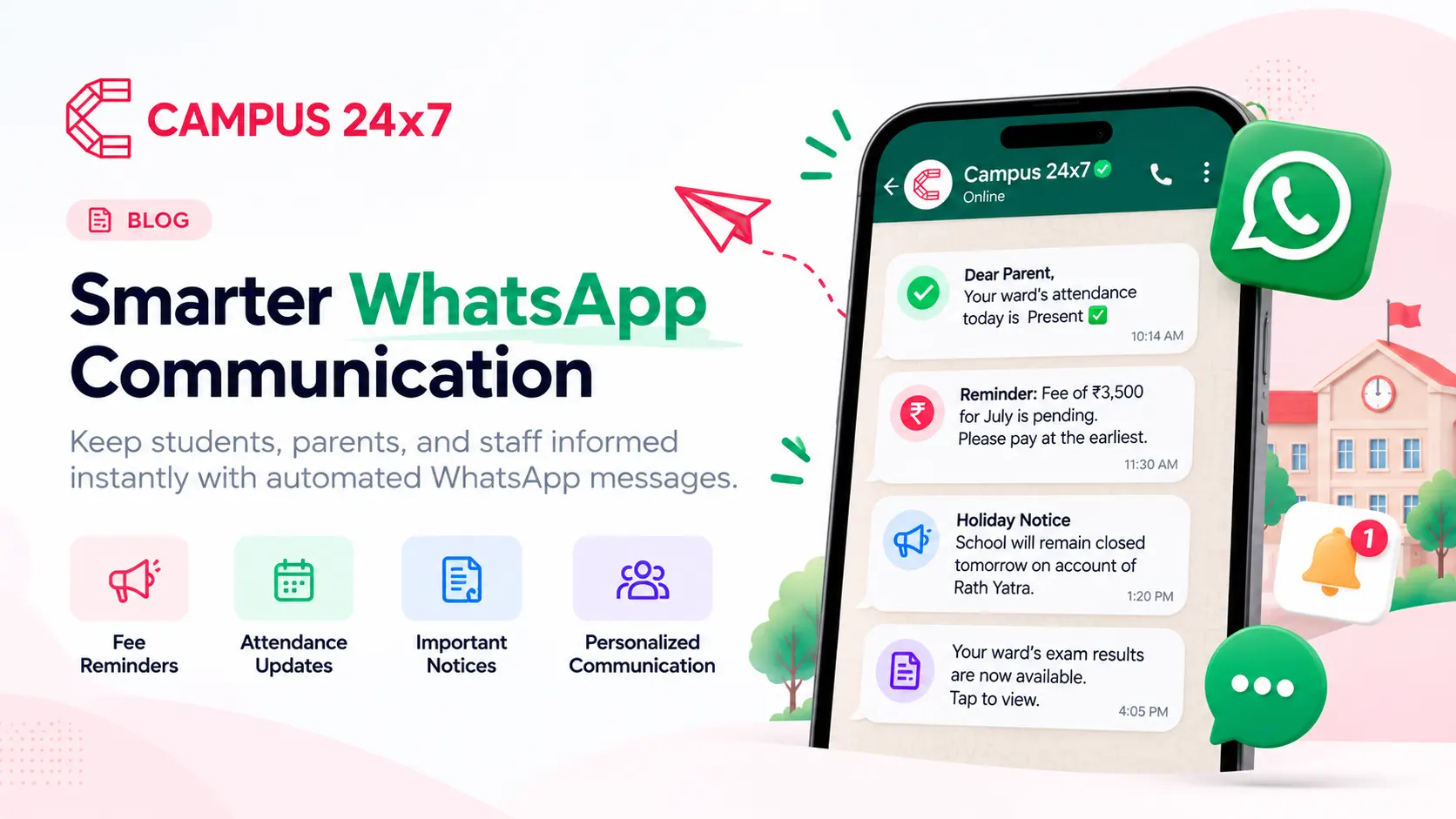
3. "Is this the official WhatsApp Business API, or something that looks like it?"
This is the most commonly blurred claim in the Indian school ERP market, and the distinction matters enormously.
The official WhatsApp Business API from Meta means your school sends from its own verified WhatsApp Business number, using templates Meta has approved, with a delivery status logged per message. The alternatives — an app driving a personal WhatsApp account, a shared gateway number, or SMS described loosely as "WhatsApp alerts" — look similar on a slide and behave completely differently. Unofficial routes get numbers banned, and parents ignore messages from numbers they do not recognise.
Ask to see: the sending number, the approved template list, and the delivery log for a message that actually went out.
Also ask what the approval timeline is. Meta has to verify your business account and approve each template, in each language, which realistically takes a few working days — a vendor claiming instant WhatsApp go-live has not done it before.
4. "What do parents see — and can I open it on this phone right now?"
The parent app is the part of your ERP that the largest number of people will judge you on, and it is usually demoed least. Ask for a real parent login on a real device.
Check: does it show a current fee balance with a downloadable receipt, today's attendance, exam results and notices, without the parent needing a tutorial? Can a parent with two children in the school switch between them? Does it run on the phones your parents actually own — a four-year-old Android with 2 GB of RAM, not the presenter's iPhone?
And ask the platform question directly: which plan includes iOS? Many vendors ship Android first. In our case, Android is on every plan and iOS comes from the Growth plan upward — that is the kind of specific, plan-level answer you want, rather than a vague "we support both."
5. "Show me a report card for our board, generated from the system."
Not a sample PDF. Generated, live, during the call, for a class you name.
The question underneath this one is whether report cards come out of the system finished, or whether your exam coordinator exports marks to Excel every term and formats them by hand — which is the single most common hidden workload in a badly-chosen ERP.
Be precise about what your board requires: CBSE scholastic plus co-scholastic grades, a state board's own format, grade bands rather than raw marks, or your school's own template with the logo and the principal's signature. Then ask who changes the template when the board changes the format next year, and whether that is billable.
6. "What happens when a parent pays at the counter and also online, on the same day?"
This is a deliberately awkward operational question, and the answer tells you whether the product was designed by people who have watched a school office work.
Real fee collection is messy: a cash payment at the window, a cheque that bounces a week later, a UPI payment against the wrong student, a part payment, a refund, a receipt that must be cancelled and reissued. Ask to see a payment recorded, then reversed. Ask whether receipt numbers stay sequential per academic year when one is cancelled — your auditor will ask you this later, so ask it now.
7. "Who else can see this, and what gets logged?"
Student data is the most sensitive data your school holds. Ask the vendor to show the permissions screen and change something while you watch — can a class teacher see another class's marks? Can an accountant see medical details? Can a subject teacher export the full student list with parent phone numbers?
Then ask what the audit log records. Sign-ins, student records created or deactivated, password resets, fee plans published, invoices cancelled, payments refunded — and whether you can filter it by date and action and export it when the management committee or an auditor asks.
"Only admins can do that" is not an answer. Showing you the matrix is.
8. "How does our existing data get in — and can I see that import screen?"
Every vendor says migration is handled. Ask to see the actual import screen and the column template.
The specific thing to look for: does the system validate the file before it creates records, showing you which rows will be created, which skipped, what was auto-corrected and what needs attention? Or does it import 900 students and leave you to find the damage afterwards? That difference is the difference between a smooth week and a term of cleanup.
Also ask the honest version of the question: is there a direct connector from your current ERP, or is it export-to-CSV and import? For most vendors, including us, it is CSV — there is no direct ERP-to-ERP connector, and anyone claiming a one-click migration from an arbitrary competitor should be asked to demonstrate it. School ERP data migration covers what this actually involves on your side.
9. "What is the all-in annual cost for our school, in writing, including everything?"
Not per student. Not "starting from". The total you will pay in year one and in year two, for your student count, with every module you have been shown today included.
Ask explicitly which of these are extra: implementation and training, data migration, the parent app, WhatsApp message volume beyond the included allowance, payment gateway charges, additional admin users, report customisation, annual support, and the price increase at renewal. Then ask for it as a written quote — because the number spoken on a call is not a commitment, and three written quotes scoped identically is the only way to compare vendors honestly.
The school ERP price guide covers the per-student bands and the charges that commonly sit outside the headline figure.
10. "Is that feature live today, or on the roadmap?"
Ask this every single time you hear "we can do that". It is the highest-yield question in the entire demo, and it is also the politest — you are just asking for a timeline.
A feature described in future tense, or shown as a design rather than a working screen, should be treated as not existing. Schools buy roadmaps constantly, and the roadmap slips, and meanwhile the fee cycle happens anyway.
Where a vendor's answer is "not today", that is genuinely fine — every product has gaps, and a vendor who names theirs is more trustworthy than one who does not. What matters is that the gap is on the record before you sign, not discovered in March. To be concrete about our own: parents cannot submit admission applications online — admissions are entered by your office, through the form or a CSV import. A vendor who cannot name a single limitation when asked directly is the one to worry about.
11. "Who do we call during fee-collection week, and how fast do they answer?"
Support quality is invisible in a demo and decisive afterwards. Ask for specifics, not adjectives.
Which channel — phone, WhatsApp, email, ticket? What hours, in which timezone, and does that cover the days you actually need it? Is there a named person for your school during onboarding, or a shared queue? Which languages — ours is English and Hindi, and if your office staff are more comfortable in a regional language, ask directly rather than assuming. What is the response target for "fees are down on the 5th of the month", and is it in the contract or just on the website?
Then ask question 12, which is how you check whether any of this is true.
12. "Can I speak to a school like ours — same board, same size, same state — that you did not pick for me?"
Every vendor has three delighted reference schools. Ask instead for a school matching your profile, and ideally ask for a list to choose from rather than accepting the one nominated.
When you get the call, do not ask whether they are happy. Ask: how long did implementation really take versus what was promised? What broke in the first fee cycle? How long does support take to respond in practice? What do your teachers complain about? If you were choosing again, what would you ask that you did not ask?
A ten-minute call with a school in your position is worth more than the entire demo, and a vendor who cannot produce one — in your state, on your board — has told you something about how many schools like yours they actually serve.
The Four Answers That Should Stop You
Not every weak answer is fatal. These four are serious enough to pause on:
- Refusing to load your fee structure during the evaluation. If they will not do it while winning your business, consider what support looks like afterwards.
- "WhatsApp integration" that turns out to be a personal number or a shared gateway. This is not a minor technical distinction; it determines whether parents receive and trust your messages.
- Report cards that require manual Excel formatting every term. You are buying back staff time. This hands it straight back.
- No written all-in quote. A vendor who will only discuss price verbally is preserving room to add charges later.
How to Actually Run the Hour
A practical structure, because twelve questions do not fit into a presentation format:
- Send your fee structure and one class list ahead. Ask for them to be loaded.
- Bring three people, not one: whoever runs fees, one class teacher, and the person who will own the system day to day. The teacher's reaction is the best adoption signal you will get.
- Say at the start that you would like to drive for part of the call. Nobody refuses this, but asking up front changes the shape of the hour.
- Keep a one-page sheet with the twelve questions and write the answer next to each, especially the "live or roadmap" ones. Two weeks and three vendors later, you will not remember which one said what.
- Do not decide on the call. Ask for the written quote and the reference school, and compare in the cold light of a different day.
The Short Version
The demo is not where you find out whether a product is good. It is where you find out whether a vendor will show you the truth when asked a direct question — which is a better predictor of the next three years than any feature list.
Ask for your own data. Ask "live or roadmap" every time. Get the all-in number in writing. Call a school like yours. If a vendor handles all four comfortably, you have learned more than any amount of feature comparison would have told you.
For the wider evaluation around the demo itself, the buyer's guide to choosing school ERP software covers requirements, TCO and references in depth, and the implementation checklist covers what happens after you sign.
We would rather be asked all twelve of these than none of them. Our plans and prices are published rather than quoted on request, the first two months cost ₹0, and we set demos up on your fee structure and your student list instead of sample data — book one and bring the awkward cases.
Product details above — the official WhatsApp Business API with your school's own number and Meta-approved templates, CSV import with row-level validation, Android on every plan with iOS from the Growth plan, English and Hindi support, and admissions entered by the school office rather than submitted online by parents — describe Campus 24x7 as at the date of this post. Plan prices and module limits are current at the date of this post; see the pricing page for live figures.