Academic Management: Promotions, Student History and TCs
Close one academic year and open the next without rebuilding your classes: promote, detain or graduate students in bulk, keep every student's year-by-year history, decide which teacher teaches what, and issue transfer certificates as numbered PDFs.
3Rollover outcomesPromote, detain or graduate each student
100Students per pageSelect all, then preview before applying
5Reasons for leavingTransfer, graduation, withdrawal, migration, other
PDFTransfer certificateNumbered, with draft and cancel states
How it works
From setup to everyday use
1
Pick the cohort
Choose the source year, class and section you are closing.
2
Choose the placement
Set the target year, class and optionally the section for promoted students.
3
Decide per student
Promote, detain or graduate each student, or select all and change only the exceptions.
4
Preview and apply
Check the preview, apply it, and each student's history records the move.
What it does
Inside Academic Management
Real screens from the Campus 24x7 admin app. Names and contact details are sample data.
01Promotion and rollover
Move a whole class into the new year at once
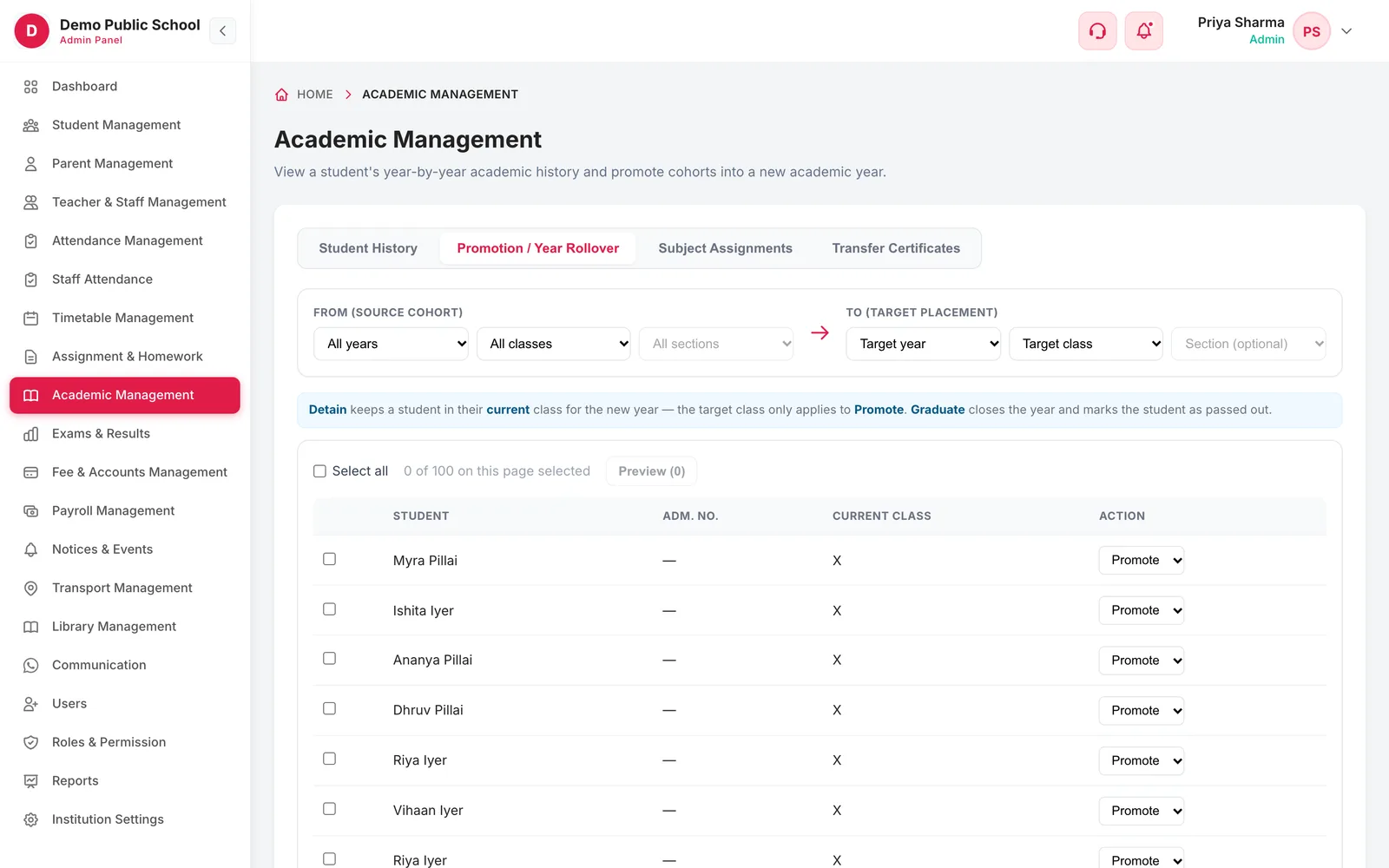
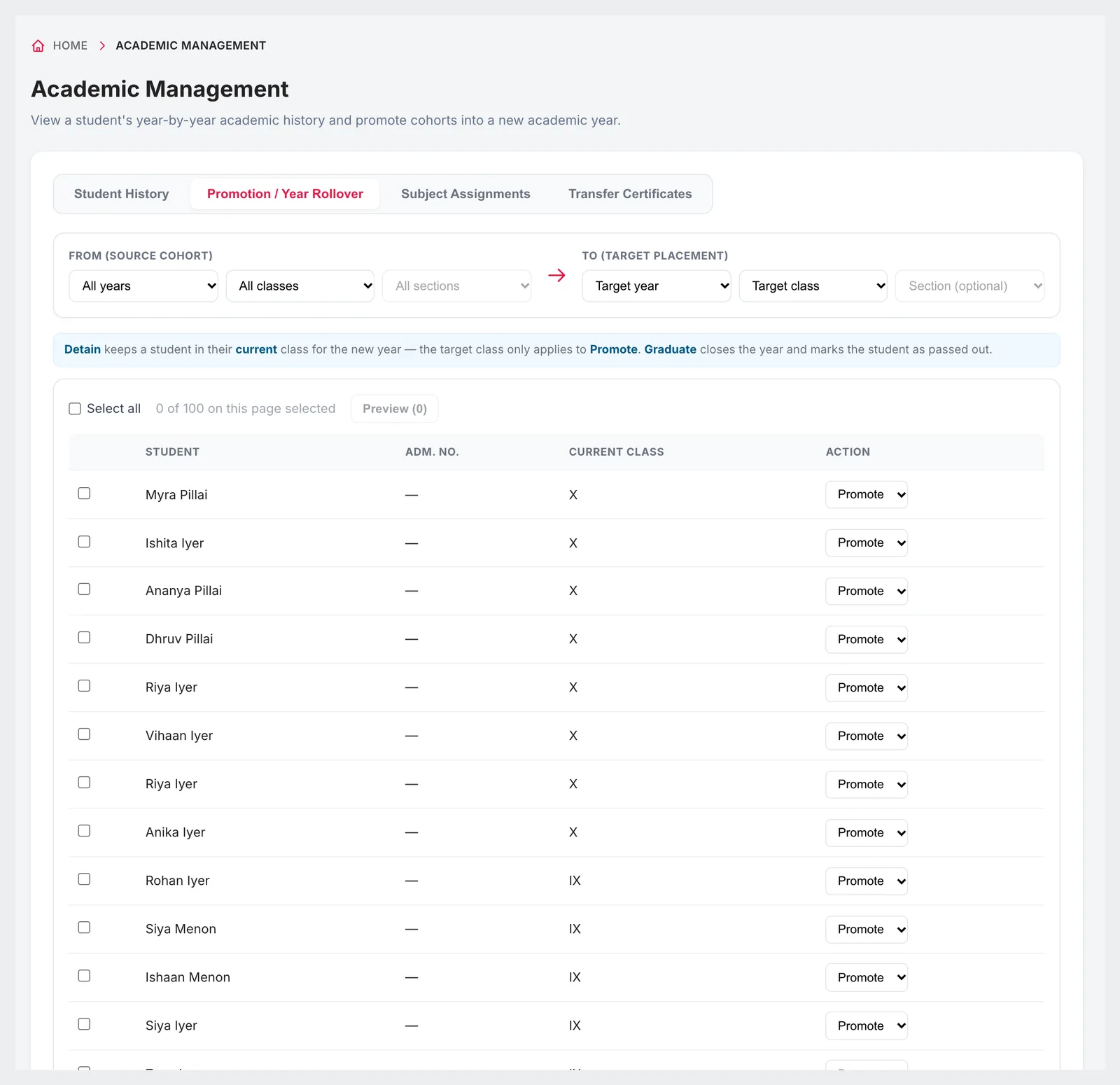
Choose the cohort you are closing and where it is going, then decide each student's outcome. Promote moves them into the target class; detain keeps them in their current class for the new year; graduate closes their final year and marks them as passed out. Select all students on the page, change the exceptions and preview before anything is applied.
Source cohort by year, class and section
Target year, class and optional section
Promote, detain or graduate per student
Select all, then preview the changes
02Student history
Every student's journey through the school
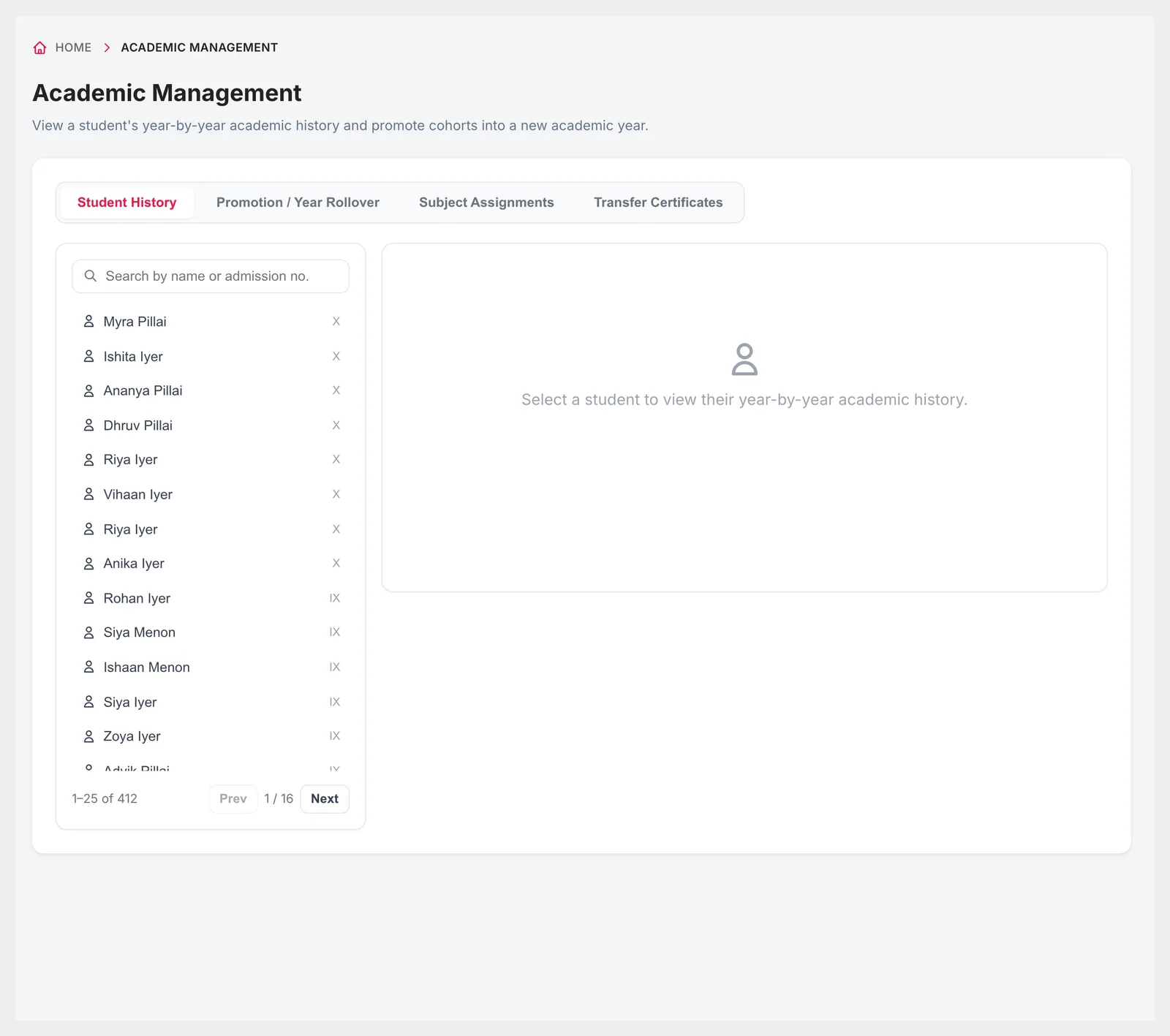
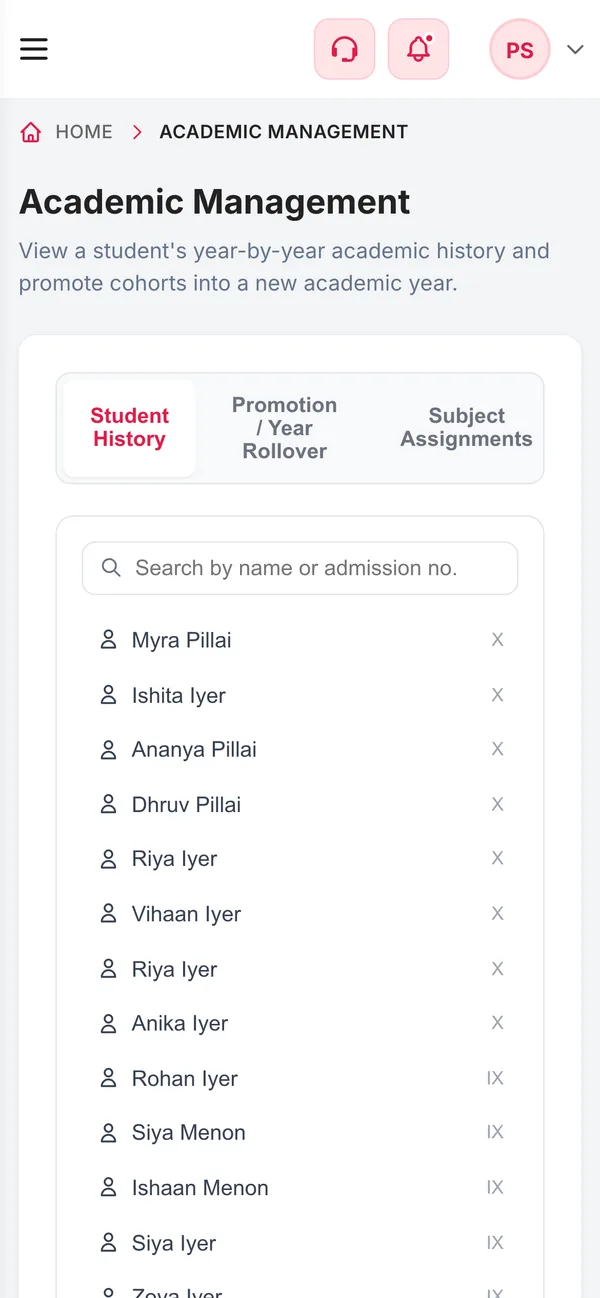
Select any student to see their academic history year by year: the class and section they were in and what happened at the end of each year — promoted, detained, transferred, graduated or withdrawn. When a parent asks for a record of past years, or a board form needs it, the answer is on one screen.
Searchable list of all students with their current class
Year-by-year class and section
Outcome for each year: current, promoted, detained, transferred, graduated or withdrawn
Built up automatically by each year's rollover
03Subject assignments
Decide who teaches what — and who can enter which marks
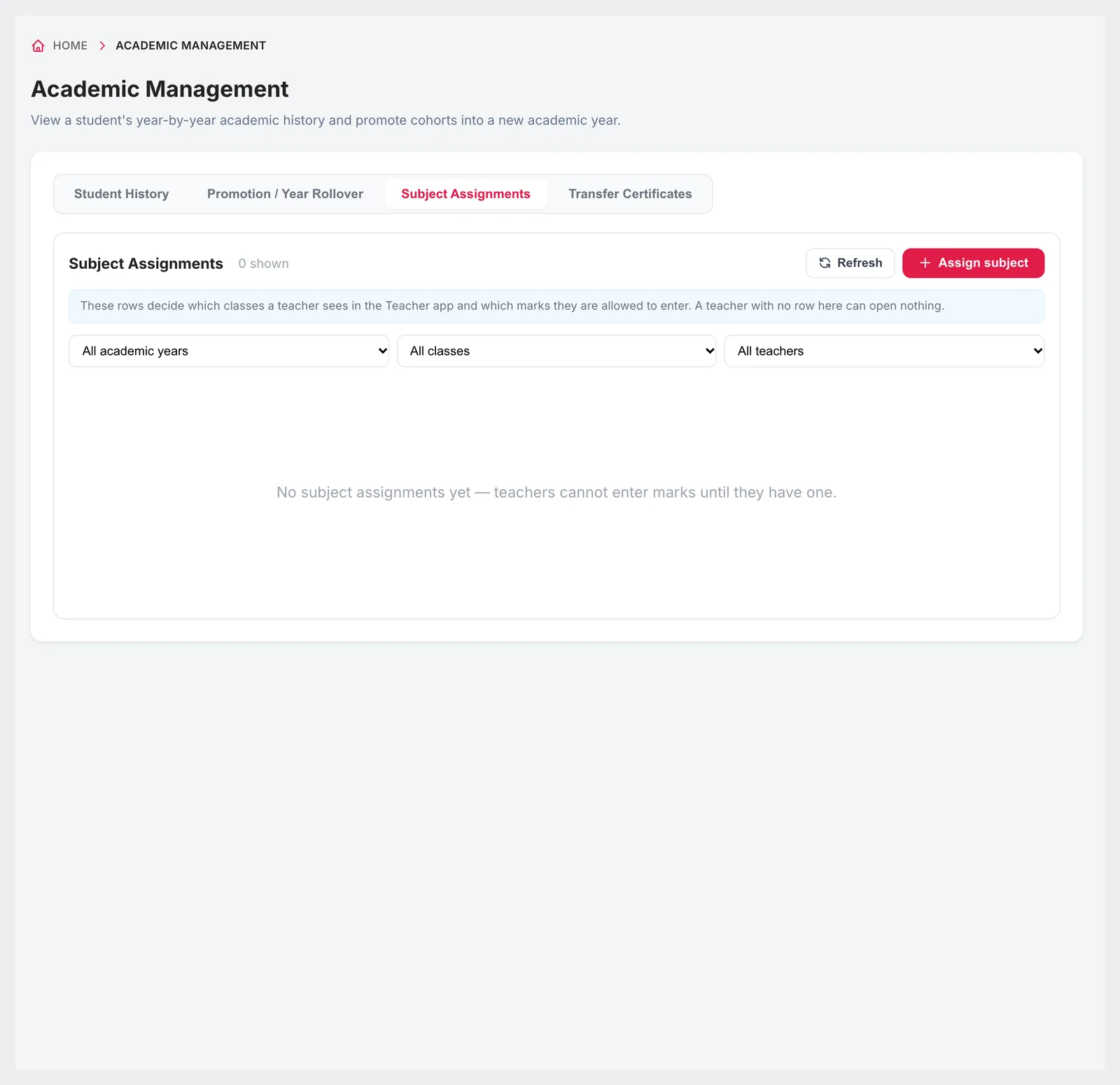
A subject assignment links a teacher to a subject for a class and section in an academic year, and can mark the subject as an elective. These rows decide which classes a teacher sees and which marks they are allowed to enter, and they are what auto-generate uses to build the timetable.
Year, class, section, subject and teacher per row
Elective subjects flagged
Controls which classes a teacher can open and mark
Feeds timetable auto-generate
Filter by year, class and teacher
04Transfer certificates
Transfer certificates without a typewriter
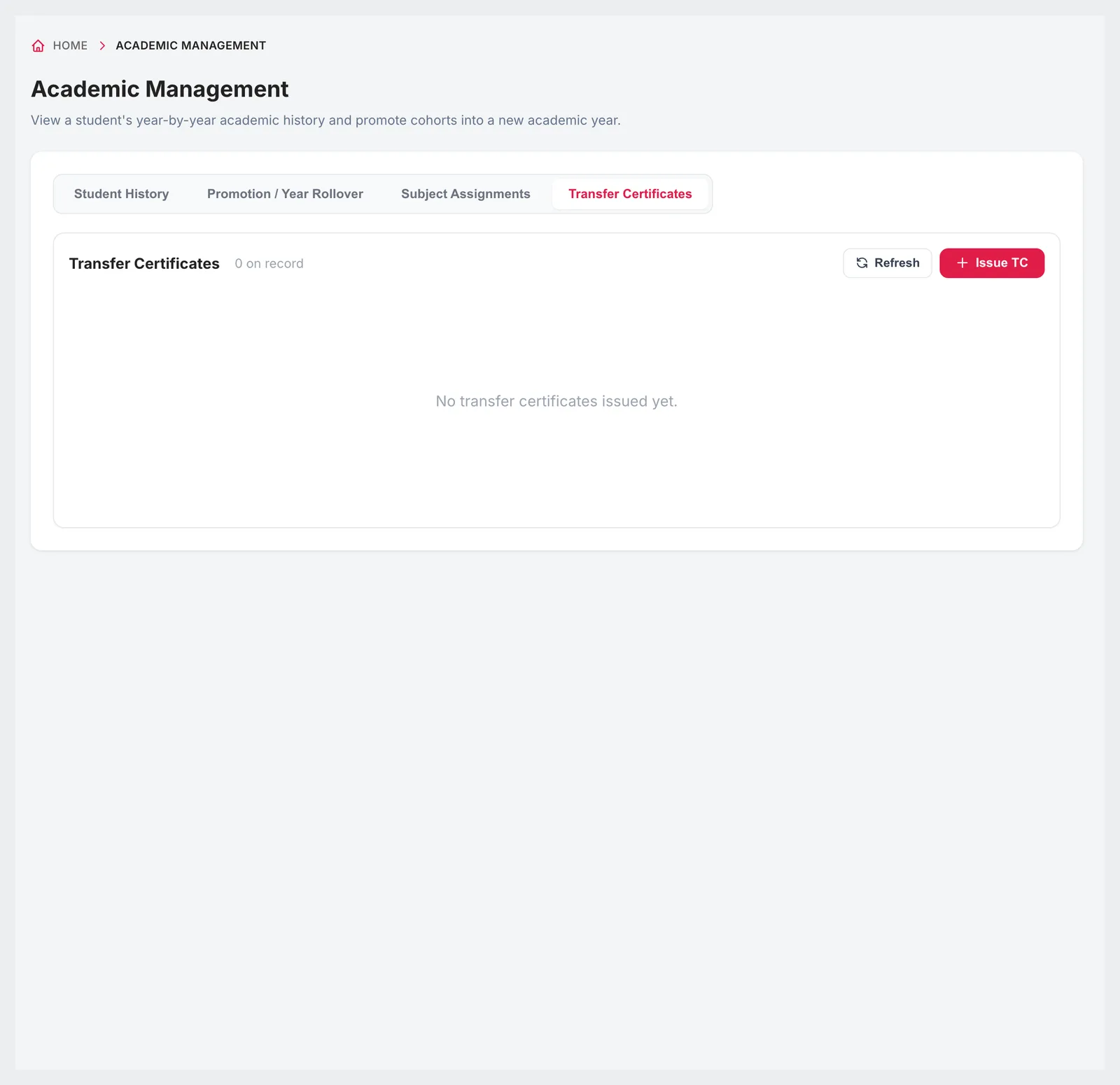
Choose the student and fill in the issue date, date of admission, date of leaving, conduct, the reason for leaving and any remarks. Save it as a draft for the principal to check, or issue it immediately. Every certificate gets a TC number, can be downloaded as a PDF and can be cancelled if it was issued in error.
Reason: transfer, graduation, withdrawal, migration or other
Issue date, admission date, leaving date and conduct
Draft or issue immediately
TC number and PDF download
Issued and cancelled states kept on record
Connected
Works with the rest of Campus 24x7
Academic records connect students, teachers, timetables and exams across years.
Create the new academic year in Institution Settings before promoting students into it.
A teacher with no subject assignment cannot open any class or enter marks, so set assignments up before exams.
Promotion is applied page by page, up to 100 students at a time, so large classes take more than one pass.
FAQ
Questions schools ask
How do we promote students to the next class?
In Promotion / Year Rollover, pick the source cohort and the target year and class, mark each student as promote, detain or graduate (or select all), preview and apply.
Can we detain a student?
Yes. Detain keeps the student in their current class for the new academic year, while the rest of the class is promoted.
Does Campus 24x7 keep a student's history across years?
Yes. Each student's history shows the class and section for every year and the outcome: promoted, detained, transferred, graduated or withdrawn.
Can we issue transfer certificates?
Yes. Fill in the dates, conduct, reason for leaving and remarks, save as a draft or issue immediately, and download the numbered TC as a PDF.
Can a TC be cancelled?
Yes. An issued TC can be cancelled, and it stays on record with its cancelled status.
How do we control which classes a teacher can enter marks for?
Through subject assignments. A teacher can only open the classes and enter marks for the subjects they are assigned to.
Plan your next year-end rollover
We'll promote a sample class in the demo so you can see the preview before anything changes. The first two months cost ₹0.