01Create a notice
Compose, target and preview on one page
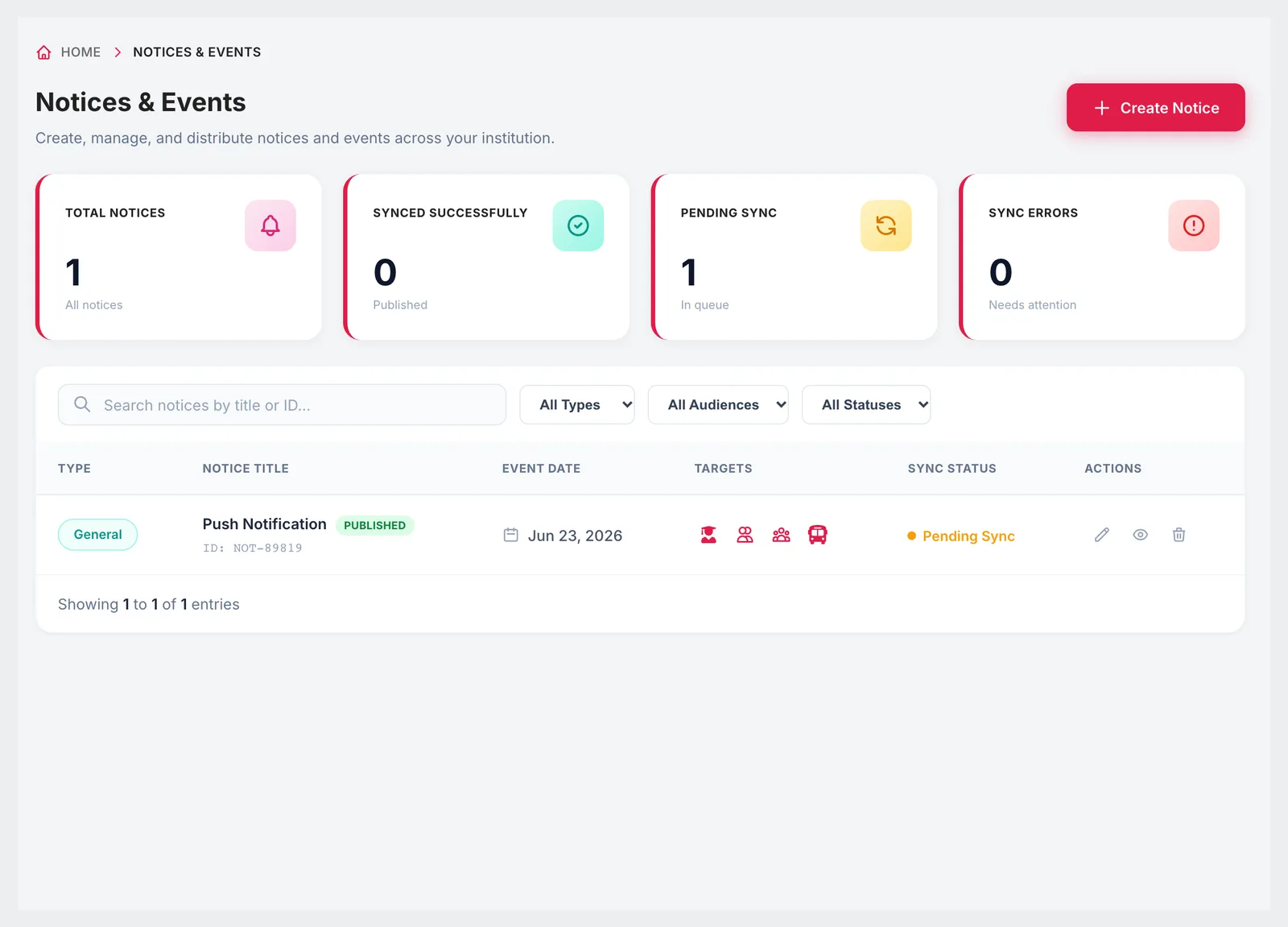
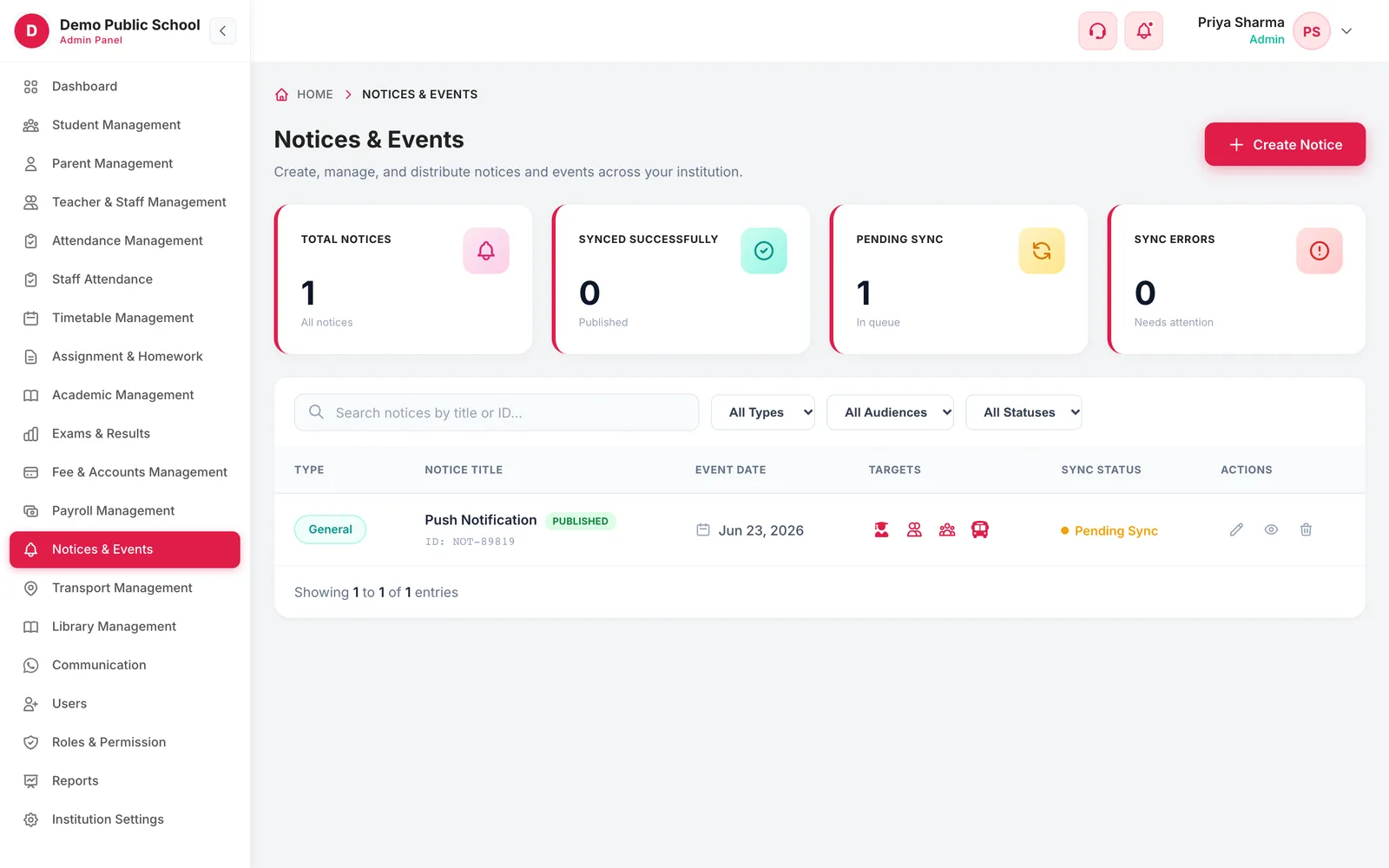
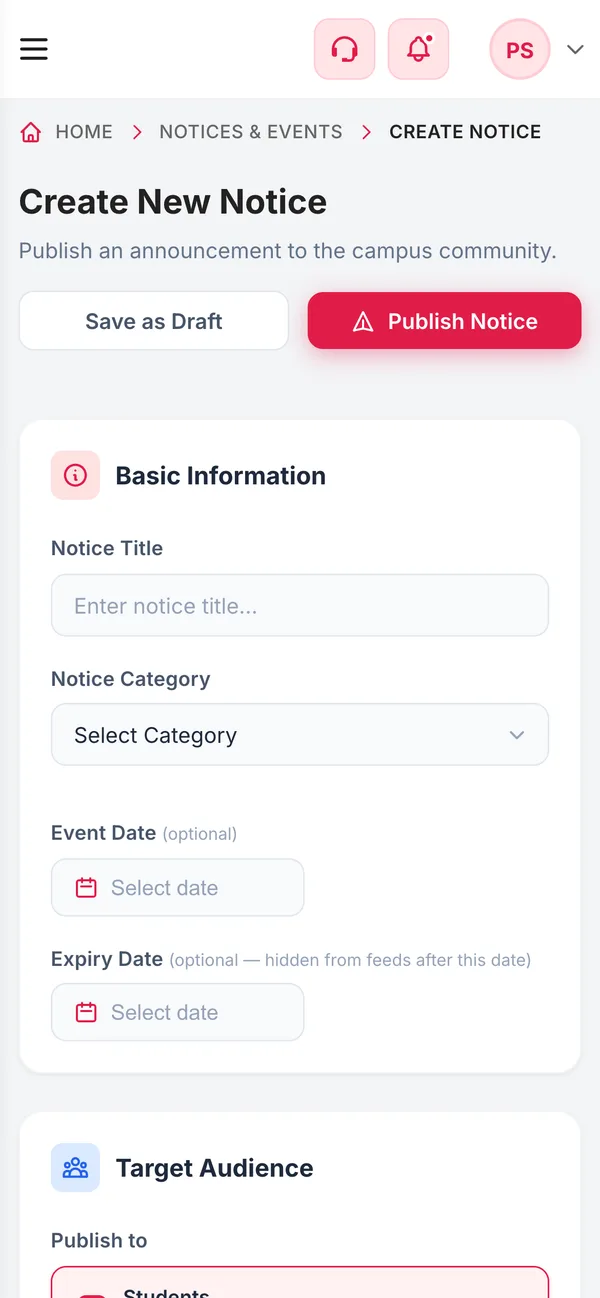
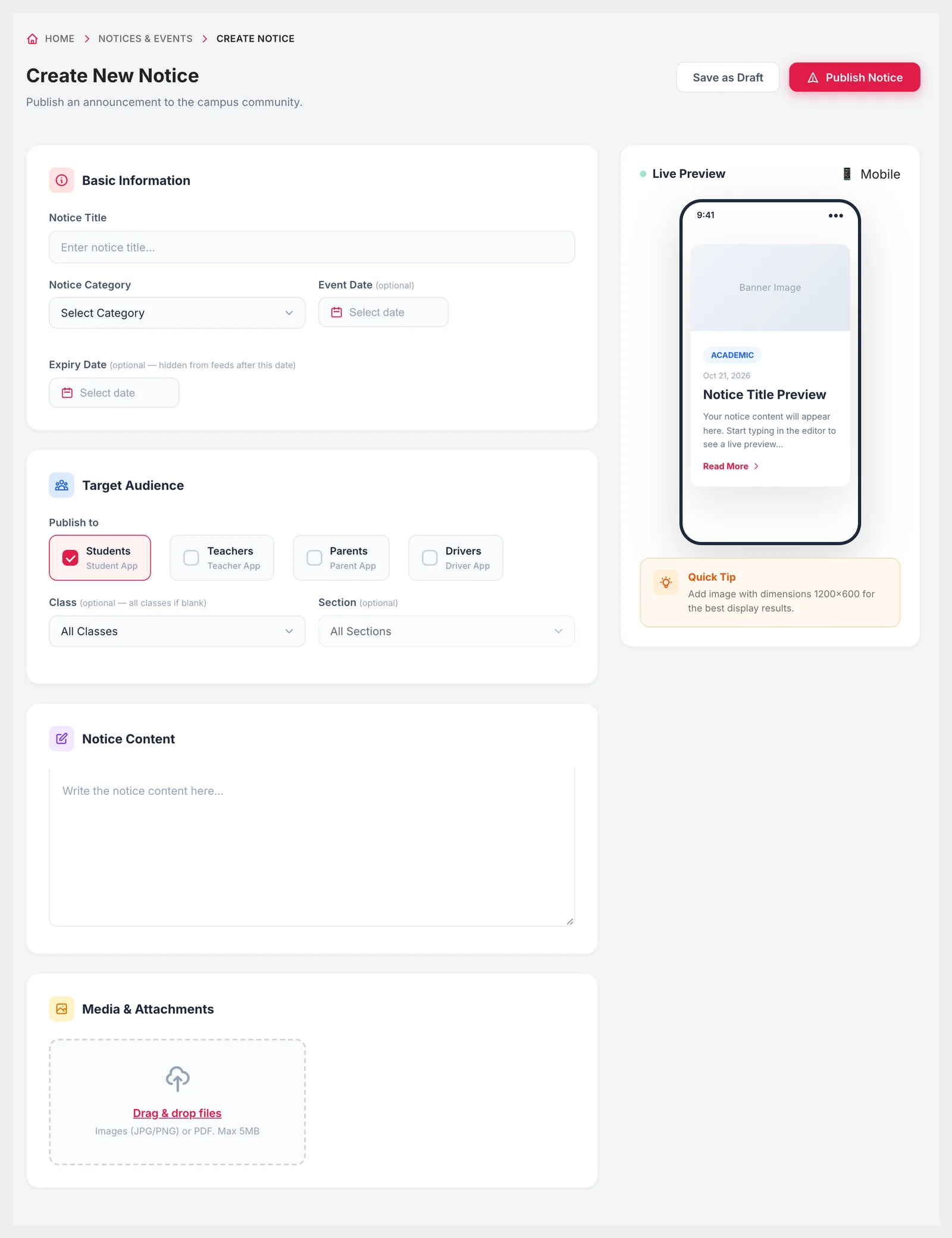
Give the notice a title and category, write the content, and add an event date if it is about something happening on a particular day. Set an expiry date and the notice disappears from feeds once it has passed. Attach a banner image or a PDF circular, pick the audience, and the live preview beside the form shows how it will look on a phone before you publish.
- Academic, holiday, event or general announcement
- Optional event date and expiry date
- Students, parents, teachers and drivers as audiences
- All classes, or one class and section
- Images or PDF up to 5 MB, with a live phone preview
- Save as draft or publish