School Timetable Management Software India — Automated Scheduling Without the Sunday Night Panic
It's the last Sunday of March. Mrs. Verma, vice principal at a CBSE school in Chandigarh with 32 sections and 48 teachers, is at her dining table with a printed teacher availability chart, a room allocation register, and a 4-year-old Excel timetable template she's been updating manually every year. She's been at it since 10 AM. It's 6 PM and she's on her third revision because the new Physics teacher can't take periods before 10 AM, and the lab is double-booked on Wednesdays for three different sections. This happens every year. Every term. Every time a teacher joins, leaves, or changes availability. Adopting a reliable school timetable management software India solution is often driven by this exact recurring frustration.
Timetable creation isn't complicated because schools are disorganised — it's complicated because the constraints are genuinely complex, and no spreadsheet handles all of them simultaneously.
Why Timetable Creation Is Harder Than It Looks
The timetable problem looks simple from outside: assign subjects to periods, teachers to classes, rooms to sessions. In reality, a school timetable is a constraint satisfaction problem with dozens of variables interacting simultaneously.
A mid-size school with 30 sections, 50 teachers, and 8 periods per day has these constraints to satisfy at once:
Teacher constraints:
- No teacher scheduled in two sections simultaneously (obvious, but easy to miss in manual scheduling)
- Teacher subject expertise matching (not every science teacher takes Chemistry)
- Teacher availability restrictions (part-time, visiting, medical limitations)
- Maximum periods per day per teacher (workload balance)
- Free period allocation for correction and preparation
Academic constraints:
- Core subjects (Maths, English, Science) in morning slots when attention is highest
- Lab periods doubled up — two consecutive periods, specific rooms
- PT, Music, Art on specific days
- No more than 2 consecutive periods of the same subject
Infrastructure constraints:
- Computer lab shared across sections — one section at a time
- Science lab with equipment limitations
- Sports ground availability
- Library periods without conflicts
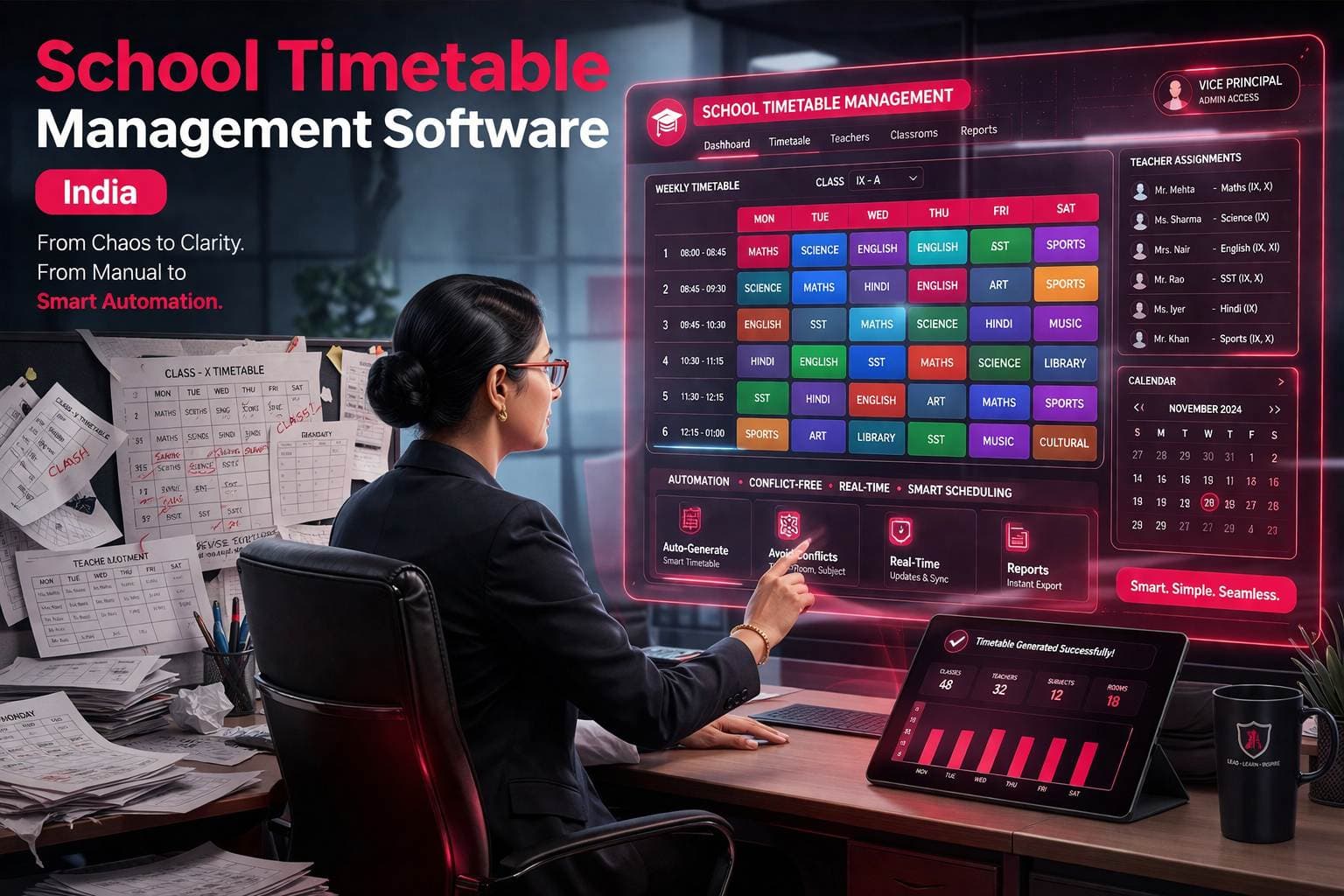
Miss any one constraint and the timetable breaks — a teacher is double-booked, a room is overcommitted, or a section has no Maths teacher on Tuesday morning. When relying on manual methods, fixing one conflict often creates another elsewhere in the grid, highlighting why an automated school timetable management software India approach is so critical.
The Real Cost of Manual Timetable Management
Schools building timetables manually carry costs that don't show up on any balance sheet:
Time cost: The vice principal or academic coordinator typically spends 3-7 days per term on timetable creation — longer in schools with frequent teacher changes or substitute requirements. Schools report that timetable revisions (triggered by teacher leave, new admissions, or period changes) consume 4-6 hours every month throughout the academic year — not just at the start.
Error cost: A double-booked room or teacher discovered on Day 1 of the new term means emergency reshuffling in front of confused students. Schools report that manual timetables have an average of 3-5 conflicts discovered only after implementation.
Substitution cost: When a teacher is absent, finding a substitute manually — cross-checking who is free, which subject they can cover, which period is affected — takes 15-20 minutes per absence. In a school with 50 teachers and normal absence rates, this is a weekly operational burden.
Communication cost: Once built, the timetable exists as a printed sheet or PDF that becomes outdated the moment any change is made. Getting updated timetables to all 50 teachers without confusion is its own administrative problem.
What Automated Timetable Software Actually Does
Step 1: Input All Constraints Once The school enters its permanent constraints into the system at the start of the year:
- Teacher subjects, sections assigned, and availability windows
- Room capacities and equipment (lab, computer room, sports ground)
- Subject requirements per class (5 periods of Maths per week, 2 lab periods per section, etc.)
- School-specific rules (no same subject in consecutive periods, core subjects before lunch)
These constraints are entered once and persist across terms — not re-entered every time.
Step 2: Generate Timetable The system runs constraint satisfaction across all variables simultaneously and generates a conflict-free timetable. What takes Mrs. Verma a full Sunday takes the system under 3 minutes.
Step 3: Review and Adjust The generated timetable is presented for review — the coordinator can manually override specific slots if the automated output doesn't match a preference that wasn't captured as a formal constraint.
Step 4: Publish Digitally Timetable published to teacher-facing portal and student-facing interface simultaneously. Every teacher sees their own schedule. Every class sees their own timetable. No printing, no distribution, no confusion.
Step 5: Manage Changes in Real Time Teacher absent today? The system identifies available substitutes based on subject competency and current period availability — not a manual cross-check. Substitute assigned in the system. Affected teachers notified automatically.
New teacher joins mid-year? Their availability and subjects entered. Affected periods reassigned. Timetable updated and republished in minutes, not hours.
Substitution Management — The Daily Timetable Problem Nobody Talks About
Timetable creation gets all the attention. Substitution management — handling it when a teacher is absent — is the daily operational pain that compounds every week.
In a manual system: The office calls the vice principal. The vice principal checks who is free during that period — from memory or by scanning the master timetable. They call that teacher. That teacher may or may not be truly free (they might be taking a makeup class, doing correction, or covering another section). 20 minutes later, a substitute is in class. Or not.
In an automated system: Absent teacher marked in the attendance management system. The system identifies which periods are affected and which teachers are free during those periods, competent to cover the subject. The coordinator picks from the shortlist. The substitute is notified via app. Entire process: under 3 minutes.
This integration between timetable data and real-time attendance data is what separates a timetable module inside a school ERP from a standalone scheduling tool. A quality school timetable management software India system natively bridges this data gap.
Timetable Management Across Different School Structures
CBSE Schools (Classes 1-12): Standard 8-period day with subject allocation per CBSE norms. Core subjects front-loaded. Lab periods for Science and Computer require room-specific scheduling. CCE assessment periods need to be blocked in the timetable.
ICSE Schools: More subjects per class, different period allocations, project and internal assessment periods to schedule alongside regular classes.
State Board Schools: Varies significantly by board. UP Board, Maharashtra Board, and Punjab Board each have different period structures and subject requirements. The timetable system needs to support custom period configurations, not just a fixed template.
Colleges and Universities: Department-wise timetables rather than class-teacher model. Faculty shared across departments. Lecture hall and lab availability more complex than school room management.
A good timetable system handles all of these structures through configuration — not separate software for each. An adaptable school timetable management software India module addresses everything natively.
Key Features of School Timetable Management Software
1. Constraint-based automated scheduling Enter teacher availability, room capacity, and subject requirements — system generates conflict-free timetable automatically.
2. Conflict detection and resolution Identifies double-booked teachers, rooms, or sections before the timetable goes live — not after.
3. Teacher-wise and class-wise timetable view Each teacher sees their own schedule. Each section sees their class timetable. No one-size-fits-all printout.
4. Real-time substitution management Absent teacher triggers automatic substitute identification based on free period and subject competency.
5. Room and resource allocation Lab, computer room, library, sports ground — all managed within the timetable with no double-booking.
6. Digital timetable publishing Timetable published to teacher and student portals simultaneously. Changes propagate instantly — no reprinting, no redistribution.
7. Exam timetable management Separate exam scheduling with room allocation and invigilator assignment. Integrates deeply with the exam management module.
8. Academic calendar integration Holidays, exam periods, sports days, and events blocked in the master calendar — timetable works around them automatically.
Standalone Timetable Software vs ERP Timetable Module — Which to Choose
Standalone timetable generators exist — some free, some paid — and they solve the initial creation problem. But they create a new problem: the timetable lives outside the school management software, so substitution management doesn't connect to attendance, teacher workload doesn't connect to payroll, and exam scheduling doesn't connect to result management.
When timetable management is a module inside the school ERP:
- Attendance feeds into substitution management
- Teacher period count feeds into workload and payroll data
- Exam timetable connects to exam management and result processing
- Student timetable visible in parent app alongside attendance and fees
Integration eliminates the daily manual bridge between systems using dedicated school timetable management software India implementations to streamline workflows effortlessly.
How Campus 24x7 Handles School Timetable Management
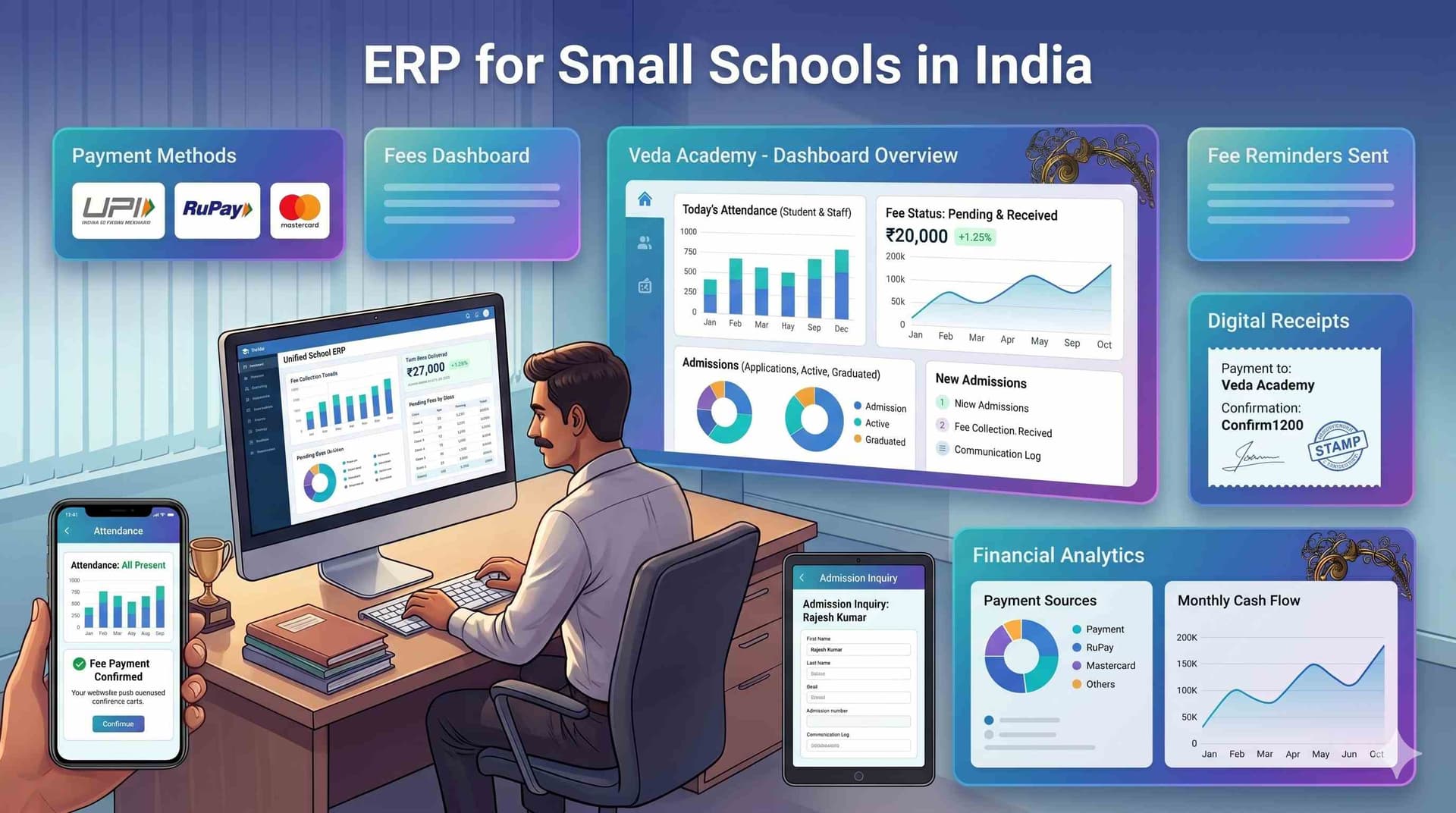
Campus 24x7's timetable module is built as an integrated component of the school ERP software in India — not a bolt-on addition.
Specific capabilities:
- Constraint-based automated scheduling for standard school structures (CBSE, ICSE, state board configurations)
- Teacher availability management with subject and section mapping
- Digital timetable publishing to teacher and student portals
- Substitution management integrated with the attendance management system — absent teacher triggers substitute workflow automatically
- Exam timetable with room and invigilator allocation
Honest note: Advanced features like AI-optimised multi-constraint scheduling for very large institutions (50+ sections) are on the Campus 24x7 development roadmap. Current module handles schools up to 40 sections effectively.
See how Campus 24x7 handles timetable and academic management →
Frequently Asked Questions
Q1: How long does it take to set up the timetable in Campus 24x7 for the first time? Initial data entry (teacher subjects, availability, room details) takes 2-3 hours for a typical school. After that, timetable generation takes minutes. Subsequent terms are faster because most constraints are already entered.
Q2: Can the system handle mid-year teacher changes without rebuilding the entire timetable? Yes. When a teacher joins or departs, the system identifies the exact affected periods and reassigns them without disrupting the full timetable. Notifications go out to update everyone automatically.
Q3: Does it support different timetable structures for primary and secondary sections? Yes. Different period lengths, different subject allocations, and different room requirements can be configured per school stage. Both CBSE primary and secondary are smoothly handled within the exact same system.
Q4: Can teachers view their timetable on their phones? Yes. The complete schedule is accessible directly from the Campus 24x7 teacher portal on mobile. Substitution notifications are delivered directly to their phone when they're assigned to cover an absent colleague's class.