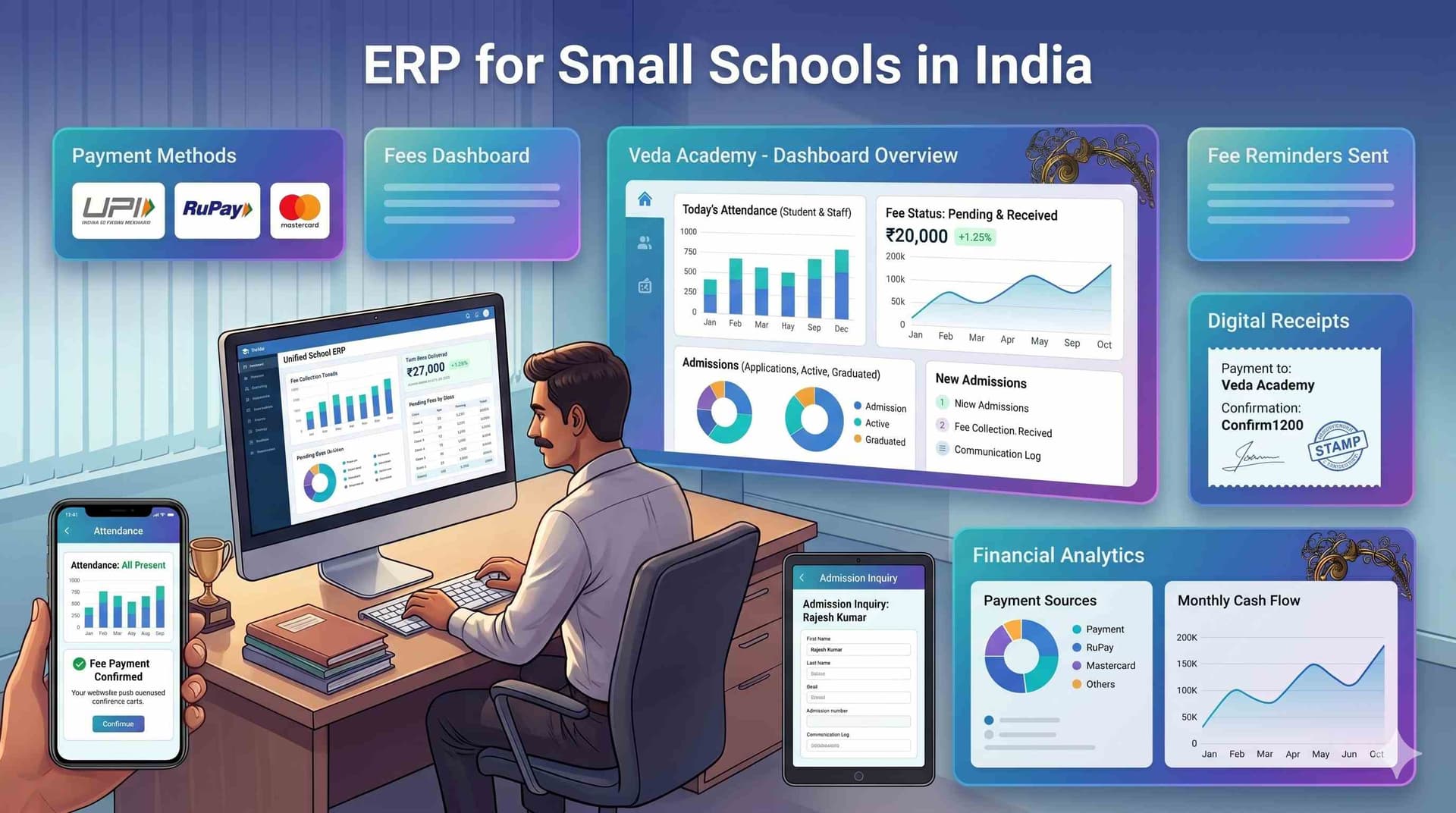
Real-Time WhatsApp Communication for Schools — How Campus 24x7 Makes Every Message Official, Tracked, and Integrated
A fee reminder sent by a class teacher from her personal WhatsApp number at 9 PM on a Sunday. Three parents screenshot it and share it in another group asking "Is this official?" Two parents call the school on Monday saying they never got any reminder. The teacher has no way to prove who received it and who didn't. The accountant has no record it was sent. The principal finds out about it when a parent complains. This is WhatsApp communication for schools India in the absence of any system — informal, unverifiable, and nobody's responsibility.
Campus 24x7's WhatsApp integration doesn't replace WhatsApp — it makes it official, role-based, and integrated with everything the school already tracks.
Personal WhatsApp vs WhatsApp Business API — What's Actually Different
For the rules side of this, including what a school may and may not send, how template approval works and what Meta charges per conversation, see does school ERP work with WhatsApp.
Most schools using WhatsApp for parent communication are using personal WhatsApp or the free WhatsApp Business app — not WhatsApp Business API. The difference matters enormously for institutional communication.
Personal WhatsApp / WhatsApp Business app:
- Linked to one phone number, one device
- No read receipts in groups
- 256 contact broadcast limit
- Messages look like personal texts
- No integration with any school system
- Phone lost or SIM changed = communication history gone
WhatsApp Business API (what Campus 24x7 uses):
- School's official registered business number with verified name
- Unlimited broadcast to all parent contacts
- Delivery and read receipts tracked centrally in the ERP
- Messages arrive from the school's verified business profile
- Fully integrated with student records, fee data, and attendance
- All messages logged permanently — accessible to admin, not tied to anyone's phone
The API converts WhatsApp from a personal messaging tool into an institutional communication system. This is the foundation of WhatsApp school ERP integration India — messaging connected to data.
What "Real-Time" Actually Means in a School Context
"Real-time" in school communication doesn't mean instant messaging. It means the right information reaches the right person at the exact moment it becomes relevant — automatically, without anyone manually triggering it.
In Campus 24x7, real-time means:
When a student is marked absent at 8:30 AM through the attendance management system, the parent receives a WhatsApp message at 8:31 AM — before they've even had time to wonder why the school bus was quiet this morning.
When a fee due date passes at midnight, the parent receives a WhatsApp reminder at 9:00 AM the next morning — automatically, with the exact amount due and a direct payment link from the fee management system.
When the exam result is published by the academic coordinator, parents receive a WhatsApp notification with a link to view the report card — within minutes of publication.
No teacher needs to send a message. No admin needs to compile a contact list. The trigger is the event — not a person remembering to communicate. This is what real-time school parent communication WhatsApp actually means in practice.
The 8 School Use Cases Where WhatsApp Communication Works Best
These are the specific scenarios where automated WhatsApp alerts school India deliver measurable results.
Use Case 1: Attendance Alerts. Student marked absent or late. Parent receives: "Dear [Parent], [Student] of Class [X] has been marked Absent today [Date]." Result: parents informed before they call. Schools report 60–70% reduction in inbound calls, based on early access partner feedback.
Use Case 2: Fee Reminders with Payment Link. Triggers at 7 days before due date, on due date, and 3 days after. Includes exact amount and direct UPI payment link. Schools report 30–35% improvement in on-time collection after implementing automated reminders.
Use Case 3: Exam Schedule Notification. Coordinator publishes timetable. Class-wise schedule sent to all parents simultaneously. No "I didn't know the exam was tomorrow" complaints.
Use Case 4: Report Card Availability. Results published. Parents receive: "Results for Class [X] are available. View [Student]'s report card: [link]." Parents view results immediately from their phone.
Use Case 5: Emergency Alerts. Principal triggers broadcast — closure, early dismissal, weather advisory. All parents notified within 60 seconds. Read receipts confirm delivery. Follow-up targets only unread recipients.
Use Case 6: PTM and Event Reminders. Scheduled 48 hours before event. Includes time slot and venue. Parents who don't confirm get a second reminder automatically.
Use Case 7: Transport Delay Alerts. Bus delay logged by transport coordinator. Parents on that route receive: "Bus [Number] is running approximately [X] minutes late today." No "where is the bus?" calls flooding reception.
Use Case 8: Admission Status Updates. Application status changes in the admission module. Parent receives: "[Student]'s application for Class [X] has been [shortlisted/selected/waitlisted]. Next steps: [link]." Parents informed the moment a decision is made.
Read Receipts — The Feature That Changes Accountability
Every message sent through Campus 24x7's WhatsApp integration generates a delivery and read receipt — tracked centrally in the ERP dashboard.
Before: "We sent a circular." Parent: "I never received it." School: no evidence either way.
After: Admin opens dashboard, sees the parent opened the message at 6:43 PM on Tuesday. Conversation settled in 10 seconds.
For compliance-sensitive communications — fee dues, disciplinary notices, exam schedule changes, safety advisories — read receipts are institutional protection, not a convenience feature. Schools facing parent disputes about "what was communicated and when" report this as the single most valuable aspect of moving to a school WhatsApp notification system integrated with ERP.
Role-Based Messaging — Who Can Send What to Whom
One of the most common failures in school WhatsApp communication: wrong message to wrong group. A disciplinary notice accidentally sent to all parents. An internal staff update forwarded to a parent group. A teacher's personal opinion shared from the wrong account.
Campus 24x7's role-based messaging prevents this structurally:
- Class Teacher: Can message their own class parents only — no access to other classes or school-wide broadcast
- Accounts Department: Can send fee-related messages only — no access to academic communications
- Principal / Admin: Full broadcast access — school-wide announcements, emergency alerts, official circulars
No teacher can accidentally send a message to the wrong group because they don't have access to the wrong group. Roles are configured during setup and enforced by the system — not by hoping people remember to check which chat they're typing in.
How Campus 24x7's WhatsApp Integration Is Set Up
The setup process is straightforward and typically completes within a week.
Step 1: School's official WhatsApp Business number registered through Meta Business Manager — this becomes the verified sender for all messages.
Step 2: Number connected to the Campus 24x7 platform. Meta verification takes 2–3 business days.
Step 3: Message templates submitted to Meta for approval — fee reminders, attendance alerts, exam notifications, emergency broadcasts. Template approval typically takes 24–48 hours.
Step 4: Parent phone numbers imported from the student database automatically. No manual contact list management — every parent already in the system receives messages.
Step 5: Automated triggers configured — which events send which messages to which parent groups.
Post-setup, every message goes from the school's verified business number. No teacher's personal number involved. No manual sending required for routine communications.
How Campus 24x7 Handles WhatsApp Communication
Campus 24x7's WhatsApp Business API school software India integration brings together everything described above — official business number, delivery and read receipts, role-based access control, 8 automated use cases, and full integration with fee, attendance, and academic data — into a single ERP-connected communication layer.
The honest setup timeline: Meta verification takes 2–3 business days, template approval takes 24–48 hours. Total setup is under one week for most schools. Once configured, the system runs on triggers — not on anyone remembering to send a message.
For a broader comparison of WhatsApp groups versus purpose-built school communication tools, see our guide on parent communication app for schools. For the full platform that connects communication with academics, fees, and operations, explore school ERP software in India. Colleges preparing for accreditation can see how structured communication supports NAAC accreditation data management across all 7 criteria.
See Campus 24x7's WhatsApp integration in action →
Frequently Asked Questions
Does Campus 24x7's WhatsApp integration require parents to install a new app?
No. Parents receive messages on their existing WhatsApp — from the school's official verified business number. No app download, no registration, no new account. The experience for parents is identical to receiving any WhatsApp message, except it arrives from a verified school business profile instead of a teacher's personal number.
What happens if a parent's WhatsApp number changes?
The school admin updates the parent's contact number in the student record within Campus 24x7. All future WhatsApp messages automatically go to the new number. No separate contact list to maintain — the student database is the single source of truth for parent contacts. The change takes effect immediately.
Are there limits on how many messages the school can send per day?
WhatsApp Business API uses a tiered messaging system. New accounts start at 1,000 unique conversations per day, which scales up to 10,000 and then 100,000 based on usage quality and history. For most Indian schools — even those with 2,000–3,000 students — the initial 1,000 conversations per day is more than sufficient for daily operations.
Can we send WhatsApp messages in regional languages like Hindi, Marathi, or Punjabi?
Yes. WhatsApp Business API supports all languages that WhatsApp supports. Message templates can be created in Hindi, Marathi, Punjabi, Tamil, Telugu, or any other regional language. This is particularly useful for schools in tier-2 and tier-3 cities where parents prefer communication in their local language.